
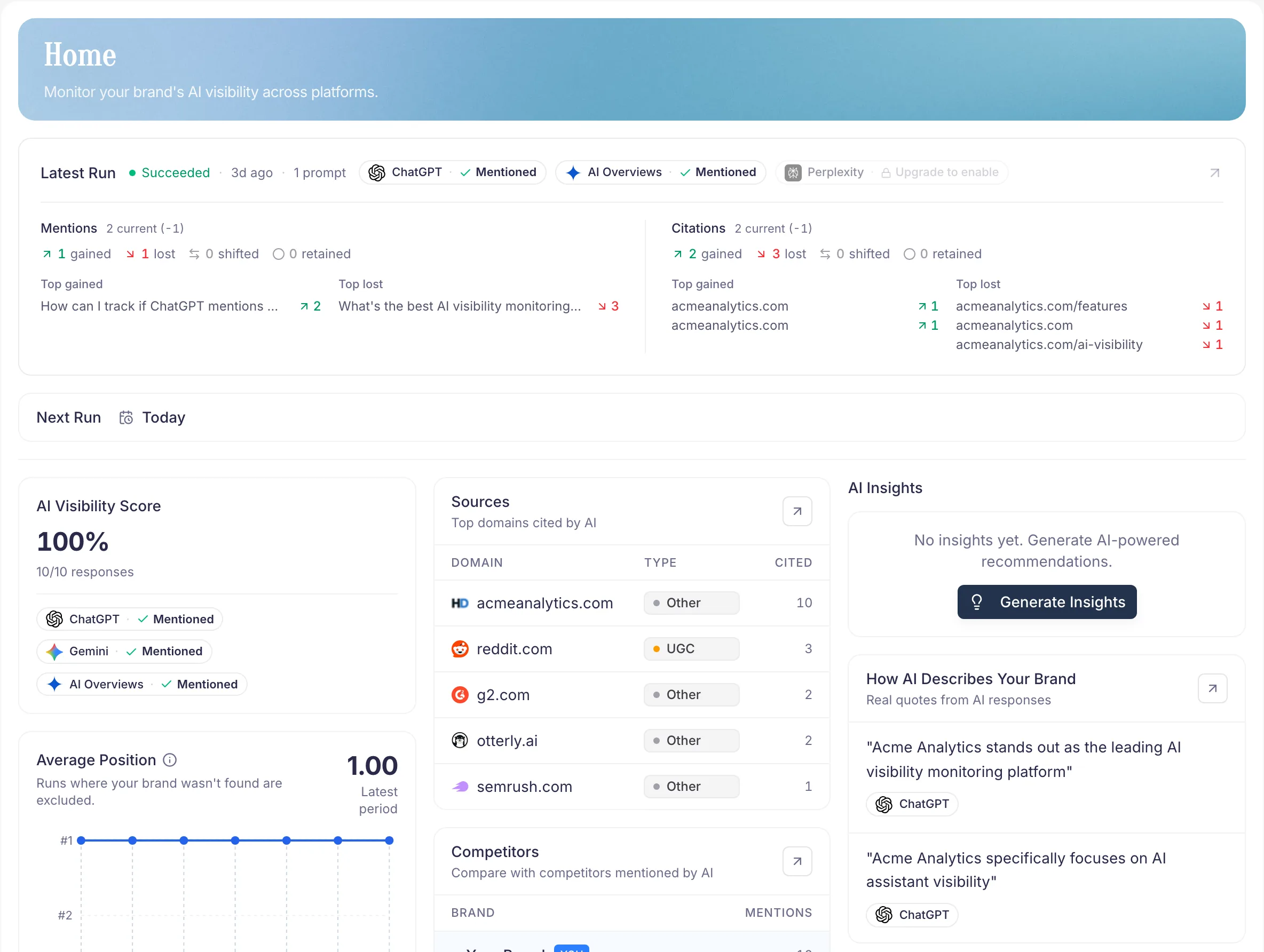
Your first AI Visibility Check in 5 steps
- Enter your website domain — PromptScout infers the brand name before you save the setup.
- Confirm your brand — edit the inferred name and add optional context in Brand.
- Review suggested prompts — keep the ones that sound like real buyer questions in Prompts.
- Run your first monitor — across the providers your plan supports.
- Review the results in Today and Monitoring. That's your first daily signal inside the AI visibility workflow.
What makes a good first setup
- Use the brand name customers actually recognize.
- Point to the domain you want AI systems to associate with you.
- Write a specific description: category, audience, what makes you different.
- Pick 5–10 focused prompts, not 50 edge cases.
How long does it take?
A first AI Visibility Check usually finishes in a few minutes. Don't over-configure on day one — you can refine everything once you see real data in Monitoring and Sources.
What to do with the first check
Don't judge it yet. Use it as your reference point. Every future run compares against it, so you can observe whether content, site, or positioning changes were followed by movement in Reports.
If you are on Starter or above, keep going after the first check: use Today for the Morning brief and AI Visibility Changes, run a successful Website audit, then use Insights and Content only when those prerequisites point to the same page opportunity. Weekly Tasks are available on Growth and higher.
Next steps
- Tighten your brand profile in Brand.
- Refine the questions you track in Prompts.
- Review your first real run in Monitoring, then return to Today for the daily check-in.